Plan the learning artifact
Set the audience, objective, duration, source material, and success criteria. A short storyboard or shot list keeps production focused.
Classroom workflows
Kapwing for education can be understood as a practical video workflow: prepare a brief, shape a clear story, review the result, and share a finished learning artifact. This guide focuses on where video editing fits into teaching and student production without assuming a specific school setup.
Related resources
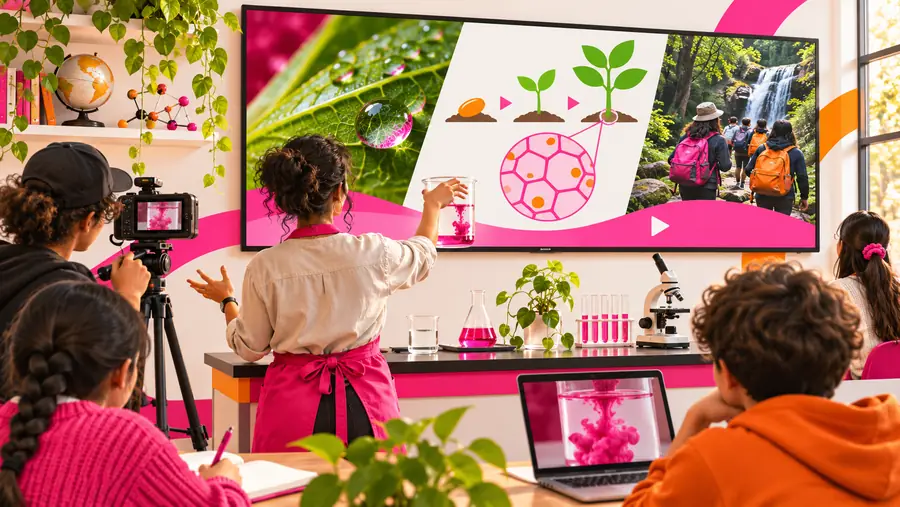
Education video projects already move through recognizable stages. These related guides help connect classroom production with editing, captions, and publishing decisions.
See how a browser-based editing workflow can organize clips, text, timing, and visual revisions.
Review how captions can make instructional and student-created videos easier to follow.
Compare classroom production needs with the presentation and publishing habits of a video channel.
Follow a straightforward sequence for moving from raw footage to a more polished video.
Set expectations
A video editor can improve the production stage, but it does not replace curriculum design, accessibility review, or teacher judgment.
An editing workspace can arrange media and clarify a message, but it cannot decide what students should understand or demonstrate.
WorkaroundWrite the learning objective and assessment criteria before opening the editor.
Visual polish does not make a claim accurate, age-appropriate, or aligned with the course.
WorkaroundUse a teacher or peer review pass for sources, terminology, and context.
Captions and readable text help, but they are only part of an inclusive learning experience.
WorkaroundCheck timing, contrast, language, audio clarity, and alternative ways to access the material.
File permissions, school devices, network rules, and learning platforms can affect how a project is delivered.
WorkaroundDefine the required format and sharing route before students begin production.
A simple sequence
The most useful classroom workflow is usually a short sequence that separates thinking, making, and checking instead of treating editing as the entire assignment.
Set the audience, objective, duration, source material, and success criteria. A short storyboard or shot list keeps production focused.
Bring together the selected clips, narration, images, titles, and captions. Use one focused revision pass to improve clarity rather than adding decoration.
Watch the complete piece with sound and without sound, check names and claims, then share it through the route required by the class or institution.
Workflow comparison
A useful classroom deliverable is defined by its purpose and review criteria, not just by how many effects it contains.
Unstructured video task
Students begin with a broad topic and gather material while editing.
Guided education deliverable
Students begin with an objective, audience, and short outline.
Unstructured video task
Clips and images are collected without a clear evidence rule.
Guided education deliverable
Media is selected for relevance, accuracy, and permission to use.
Unstructured video task
The sequence follows the order in which footage was recorded.
Guided education deliverable
The sequence follows a beginning, explanation, example, and conclusion.
Unstructured video task
Titles are added late and may compete with the visuals.
Guided education deliverable
Text is planned for key terms, names, steps, or visual learners.
Unstructured video task
The finished video is watched once by its creator.
Guided education deliverable
The project is checked for captions, readable text, audio clarity, and pacing.
Unstructured video task
Grading focuses mainly on appearance or completion.
Guided education deliverable
Assessment considers understanding, communication, evidence, and revision.
Unstructured video task
Students choose a sharing method at the end.
Guided education deliverable
The required destination, permissions, and naming convention are known in advance.
Visible improvement
The difference between a rough classroom recording and a teachable video often comes from structure, legibility, and review rather than elaborate production.
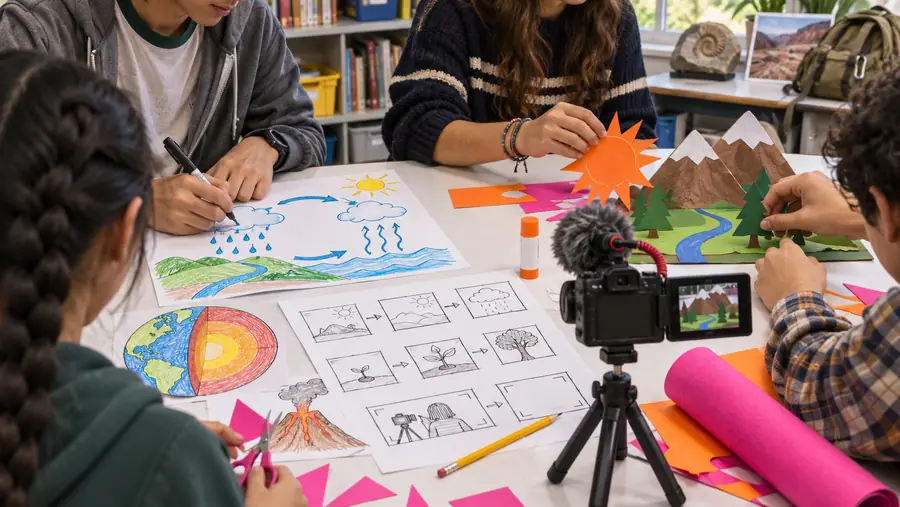
The goal is clearer learning communication, not more decoration.
Practical scenarios
Different people in a learning environment need different levels of control, review, and support. Each scenario starts with the same core pipeline and adapts it to the audience.
Turn a lesson explanation, demonstration, or announcement into a short visual resource students can revisit.
A focused video gives learners another way to review the idea and gives the teacher a repeatable production pattern.
kapwing captionsCreate a group presentation that combines research, narration, images, screen recordings, and individual contributions.
A shared outline and review checklist make the final piece easier to assess as communication and collaboration.
how to use kapwing video editorPackage a process, orientation, or training explanation for a course page or internal learning library.
A consistent structure helps viewers find the objective, steps, examples, and next action quickly.
kapwing video editorAdapt school news, event footage, or community stories for a broader video audience while preserving context.
A review-led workflow keeps the message recognizable across edits and publishing destinations.
kapwing for youtubeReady to make a brief
Start with the audience, objective, and delivery requirements, then use the editing stage to make the message easier to understand. A small, repeatable process is often more valuable in education than a complicated production setup.
Scenario FAQ
It can support classroom video tasks such as lesson resources, student presentations, demonstrations, announcements, and training materials. The strongest use is as one part of a wider plan that includes an objective, source review, accessibility checks, and a clear submission route.
Teachers can use a structured video workflow to prepare explanations, visual instructions, recap materials, or project examples. Begin with the learning goal and audience, then keep the edit focused on clarity rather than adding effects that do not support the lesson.
Yes, the process can be adapted for group production when responsibilities are defined early. Assign roles for research, scripting, recording, editing, and review, and use a shared checklist so the final video reflects the whole team’s work.
No. Editing tools can help with elements such as captions, readable text, pacing, and audio, but accessibility still requires deliberate review. Check the finished video with different viewing conditions and provide another way to access essential information when appropriate.
Include the audience, learning objective, required duration or scope, source expectations, delivery destination, and assessment criteria. Adding these details before production helps students and educators make better choices during recording and revision.